
Twisted Tower Wiki
Walkthroughs, toy weapons, mascot fights, and patch notes for the Steam climb.
Unofficial Twisted Tower wiki covering the Steam release, five-floor walkthrough, toy weapons, achievements, and patches.
- Out now
- Steam PC launch
- 5
- Tower levels
- 18
- Steam achievements
- Solo
- Single-player FPS
Hubs built around walkthroughs, weapons, achievements, and day-one updates.
Guides Hub
Twisted Tower guides covering the Steam walkthrough, weapons, mascots, collectibles, achievements, and Adventure Plus.
Read guide Tier ListTier List Hub
Twisted Tower tier lists ranking toy weapons and mascot threats for ticket spending on the retail Steam climb.
Read guide ToolsTools Hub
Twisted Tower tools hub for PC system requirements, controls, and settings including Noir mode and difficulty.
Read guide UpdatesUpdates Hub
Twisted Tower updates hub: Steam launch recap, build 1.0.3 patch notes, leftover demo archive, and reading order.
Read guide LinksLinks Hub
Official Twisted Tower links for Steam purchase, 3D Realms, Discord bug reports, plus wiki hubs for guides and patches.
Read guideStart here for the full climb, combat, and arsenal advice.
Guides Hub
Twisted Tower guides covering the Steam walkthrough, weapons, mascots, collectibles, achievements, and Adventure Plus.
Read guide Tier ListTier List Hub
Twisted Tower tier lists ranking toy weapons and mascot threats for ticket spending on the retail Steam climb.
Read guide ToolsTools Hub
Twisted Tower tools hub for PC system requirements, controls, and settings including Noir mode and difficulty.
Read guide UpdatesUpdates Hub
Twisted Tower updates hub: Steam launch recap, build 1.0.3 patch notes, leftover demo archive, and reading order.
Read guide LinksLinks Hub
Official Twisted Tower links for Steam purchase, 3D Realms, Discord bug reports, plus wiki hubs for guides and patches.
Read guide GuidesTwisted Tower Getting Started
Beginner Twisted Tower guide: Steam install, first-hour goals, tickets, upgrades, and the five-floor retail climb.
Read guide Tier ListTwisted Tower Weapon Tier List
Twisted Tower weapon tier list ranking demo toy guns and marketed arsenal roles so ticket upgrades match real fight needs.
Read guide GuidesTwisted Tower Walkthrough
Twisted Tower walkthrough for all five floors: hotel, waterpark, clown casino, carnival forest, and space station.
Read guide ToolsTwisted Tower System Requirements
Twisted Tower PC system requirements from Steam: minimum and recommended CPU, GPU, RAM, and storage for 2026 launch.
Read guide UpdatesTwisted Tower Patch Notes
Twisted Tower patch notes for the Steam launch, build 1.0.3 day-one fixes, Discord bugs, and the 1.0.4 follow-up.
Read guide UpdatesTwisted Tower Release Date
Twisted Tower release recap: August 18 2026 Steam PC launch, intro price, platforms, and post-launch reading order.
Read guide GuidesTwisted Tower Weapons and Upgrades
Twisted Tower weapons guide covering toy arsenal roles, secondary fire, tickets, and upgrade priorities for the retail climb.
Read guide GuidesTwisted Tower Demo Walkthrough
Complete Twisted Tower demo walkthrough: early floors, tickets, three weapons, four mascots, and upgrade priorities.
Read guideNew to the tower? Follow these steps before you climb.
- 1
Check your PC and settings
Confirm you meet the system requirements, then set keyboard and controller layouts and comfort options in Settings.
- 2
Learn the first hour
Read Getting Started and the full walkthrough so hotel through space station feel readable.
- 3
Learn combat and weapons
Study combat tips, the weapons guide, and the weapon tier list so tickets buy the right upgrades.
- 4
Hunt secrets and toys
Use the collectibles guide and achievements list so Twisted Tokens, traversal toys, and Steam badges do not wait until Adventure Plus.
- 5
Stay on the current build
Read patch notes for build 1.0.3, then keep official links handy for Steam news and the bug-report Discord.
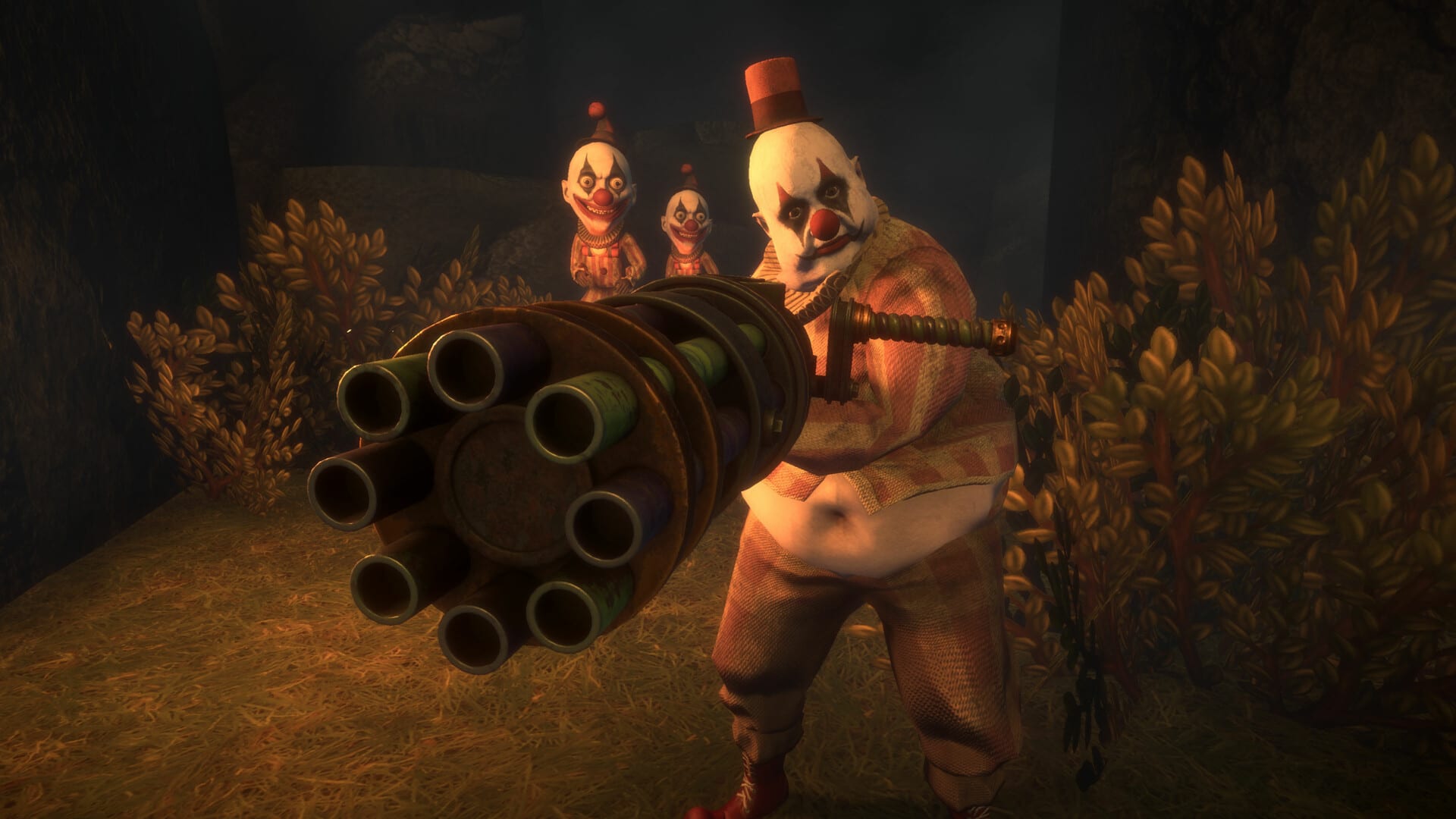
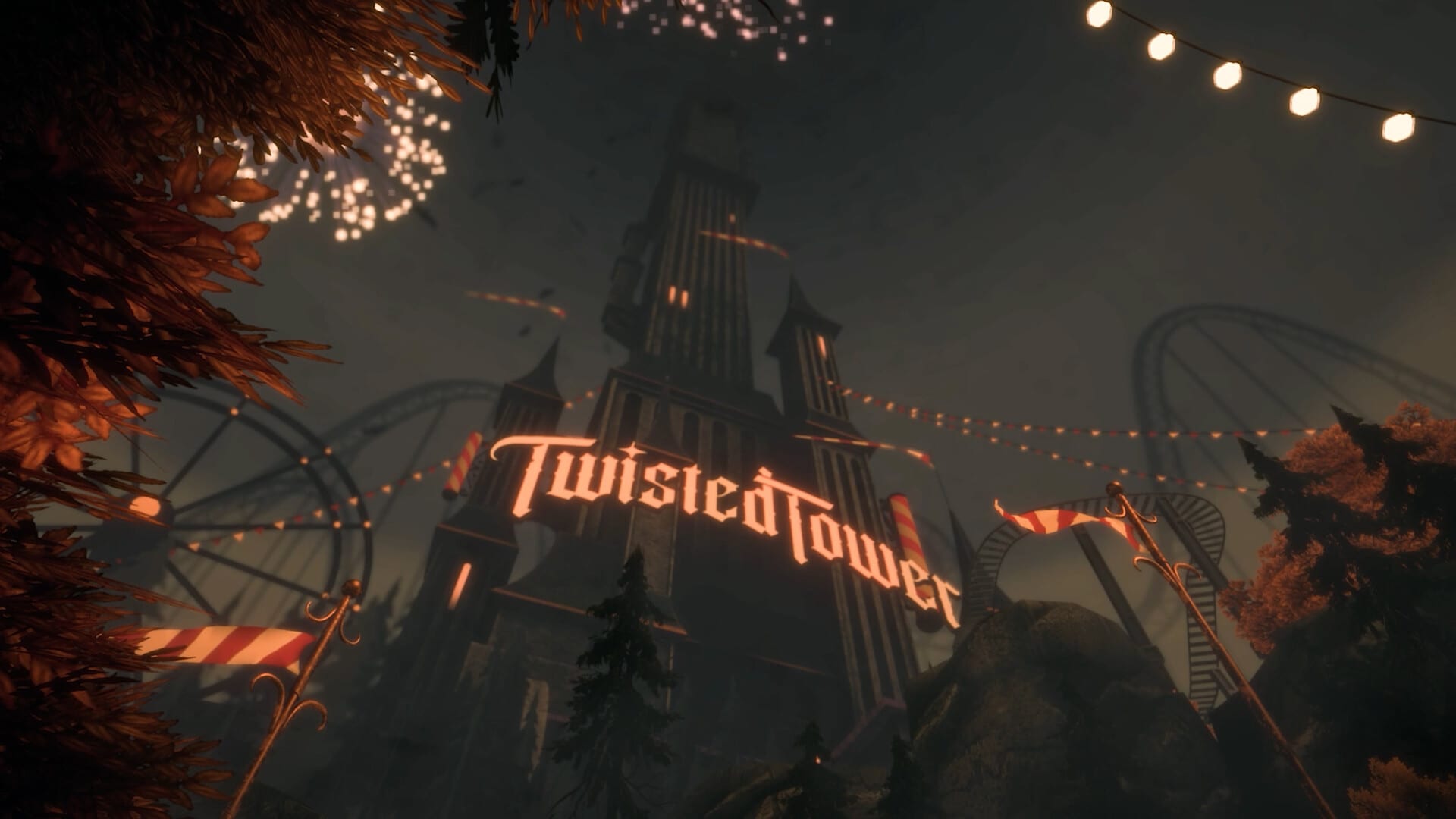
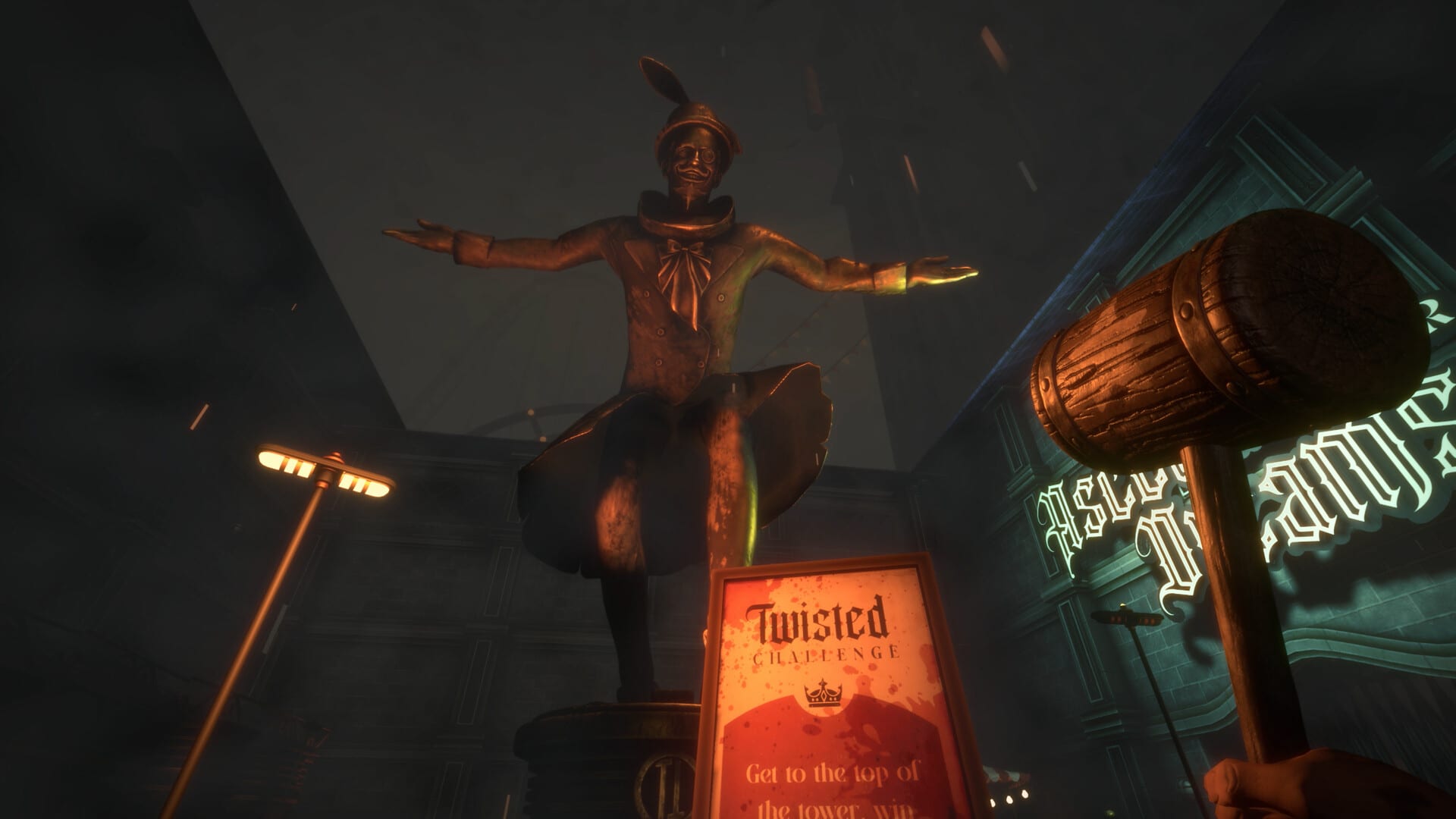
Resort atmosphere
Wiki FAQ
Quick answers to the most common questions.
What is Twisted Tower?
Twisted Tower is a first-person action-adventure shooter from Atmos Games and 3D Realms set in an abandoned 1950s theme-park tower. You climb floors, fight corrupted mascots, and chase a personal rescue story.
Is Twisted Tower out now?
Yes. The Steam PC version released on August 18, 2026. See the [release date page](/updates/release-date/) for platforms, price, and post-launch checklist details.
Which languages are supported?
This wiki is available in English, Français, Deutsch, and Español. On Steam, Twisted Tower currently lists English for interface, audio, and subtitles.
Is there still a free demo?
A free early-floor demo existed on Steam and itch.io before launch. For the full five-floor climb, buy the retail build and start with the [walkthrough](/guides/walkthrough/).
Does Twisted Tower have multiplayer?
No. Twisted Tower is a single-player campaign. There is no multiplayer or online co-op in the released Steam build.
Where should beginners start on this wiki?
Begin with [Getting Started](/guides/getting-started/), then open [Controls](/tools/controls/), the [Walkthrough](/guides/walkthrough/), and the [Weapons guide](/guides/weapons-and-upgrades/).